
Feels like a Mac trackpad
One finger moves the pointer, tap to click, double-tap and hold to drag — just like a MacBook's built-in trackpad.
 Mac utility · iPhone & iPad
Real trackpad gestures on your iPhone or iPad, streamed to your Mac over Wi‑Fi — or Bluetooth when there's no network to share. Free to download; PadLinker Pro is one purchase that covers every iPhone and iPad on your Apple ID.
Gestures
Free covers the everyday moves — pointer, tap, drag and every display. PadLinker Pro adds the gestures you already know.
One finger moves the pointer, tap to click, double-tap and hold to drag — just like a MacBook's built-in trackpad.
Scroll in any direction, at the speed you expect, with two fingers on the glass.
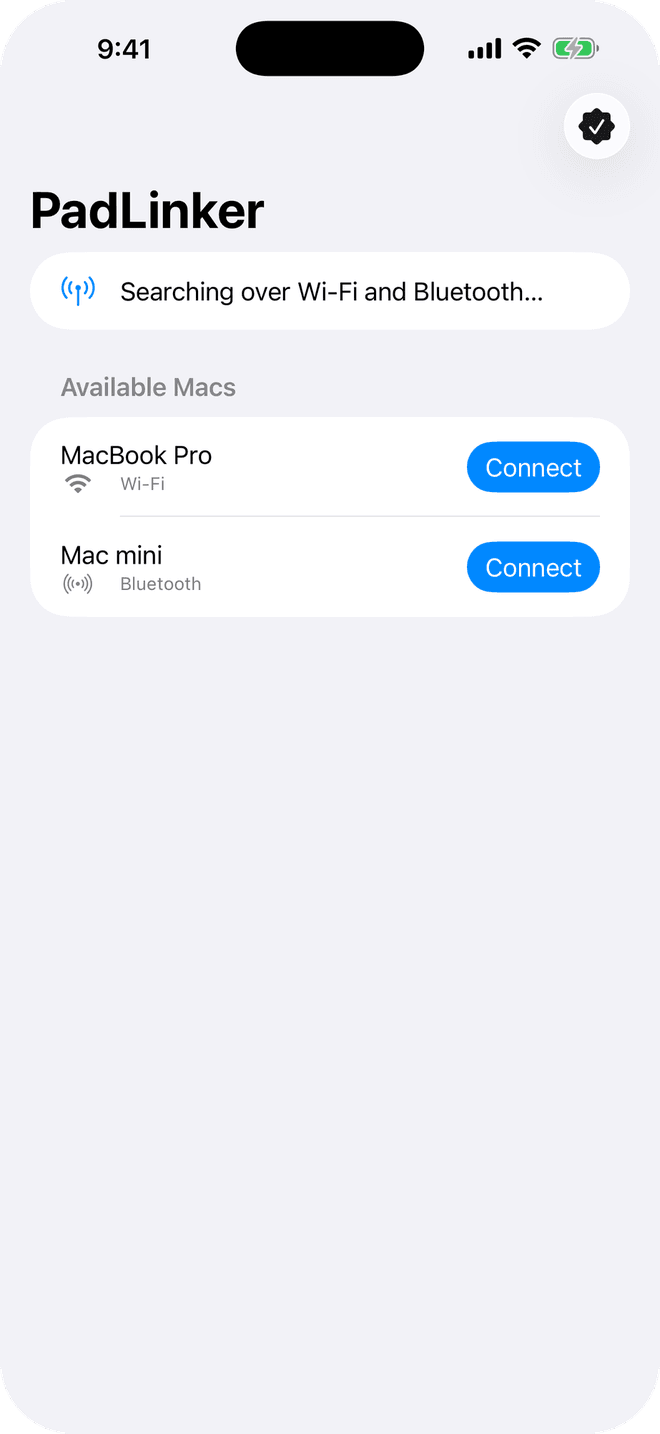
Open the app and your Mac appears. No account, no code to type, no cable.
The pointer glides across every monitor connected to your Mac, just like the built-in trackpad.
Two-finger tap opens the context menu, right where you'd expect it.
Pinch with two fingers to zoom in and out, just like a Mac trackpad.
Swipe three fingers, or tap the desktop buttons, to move between Spaces.
Type on your Mac from your device, with Command, Option, Control, Shift and the special keys.
Why people trust PadLinker
Every touch goes straight from your iPhone or iPad to your Mac, over Wi‑Fi or Bluetooth. Nothing goes through the internet.
PadLinker runs no servers and collects no data about you or your Mac.
PadLinker Pro is bought once, never expires, and can be shared with your family.
One Pro purchase covers every iPhone and iPad on your Apple ID. The Mac app is free.
On the same network, or with Bluetooth on when there isn't one, your device finds your Mac automatically.
Setup
Get it from the App Store on your iPhone or iPad, then download the free Mac app from padlinker.com.
On the same Wi‑Fi network, or with Bluetooth on, your iPhone or iPad finds your Mac automatically. No account, no code to type.
macOS asks for the standard Accessibility permission the first time; PadLinker walks you through it.
Talk to us
Support, feedback or partnership ideas — send us a note and we'll get back to you soon.
A great first message covers
Prefer email? Write to us directly


